How-to
Set up Tandli, step by step
Short, picture-led walkthroughs for getting Tandli working for your child — from your very first routine to sharing it between home and school.
- 01
Create your child's first routine in Tandli
A step-by-step walkthrough of setting up your first activity and routine in Tandli — start from a ready-made template, adjust the steps to fit your child, and choose what appears on their home screen.
5 steps Open the tutorial →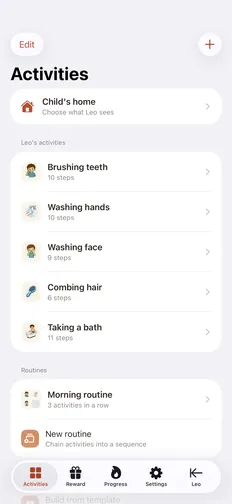
- 02
Record each step in your own voice
How to record your own voice for each step of a routine in Tandli, so your child hears the person they trust most — with a built-in voice as a fallback for any step you skip.
4 steps Open the tutorial →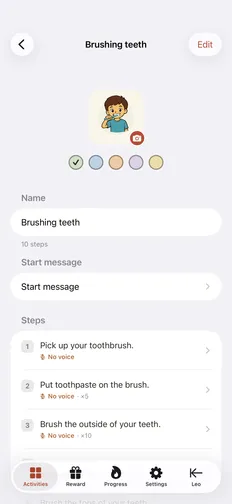
- 03
Set up a reward your child works toward
How to set up Tandli's visual reward — pick a token style and a goal, let your child watch it fill as they finish steps, and review what they've earned. A digital token board that makes progress concrete.
4 steps Open the tutorial →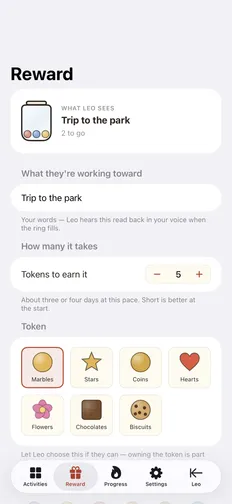
- 04
Keep a routine consistent between home and school
How to run the same routine at home and at school with Tandli, so your child gets one predictable structure across settings — the same steps, the same pictures, and a familiar recorded voice.
4 steps Open the tutorial →
Tandli is out now on the App Store
Download Tandli free and try everything for 14 days — your own voice, clear pictures, and a reward your child chooses.
Free download · 14-day free trial · iPhone, iOS 26 or later